Water, shower, phone speaker
Updated August 28, 2026
Water in Phone Speaker After a Shower: What to Do
Phone speaker sounds muffled after a shower? Dry it safely, compare the sound, and know the signs to stop.
Short answer
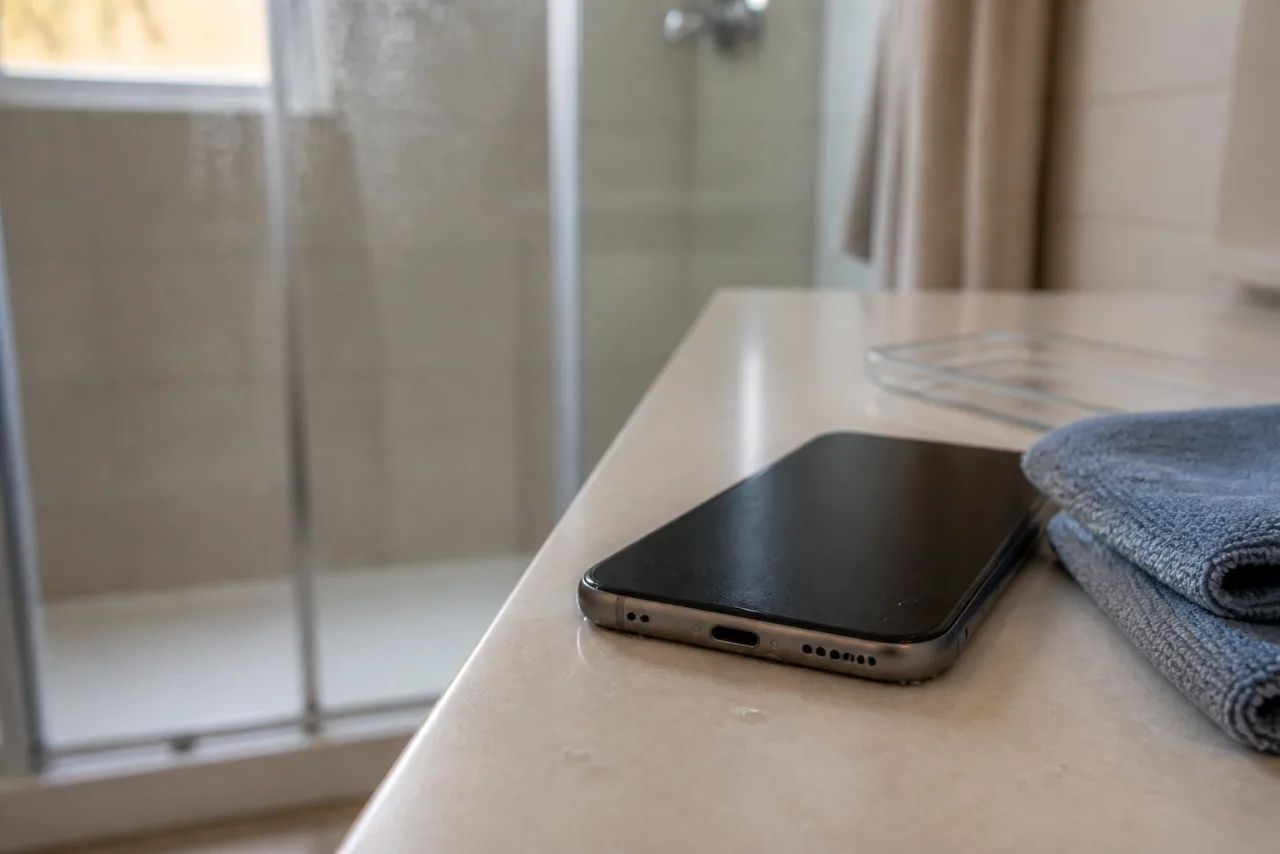
If your speaker sounds muffled after a shower, remove the case and gently blot only visible moisture. Compare a ringtone with audio from a second app. A short browser test is only worth considering if the speaker still plays stable sound.
Steam, a splash, or another cause?
Steam and splashes can happen at the same time as muffled sound. Bluetooth, low media volume, or a blocked opening can cause it too. Check two audio sources and your settings before assuming water is the only cause.
Dry safely first
Avoid hair dryers, compressed air, pins, and liquids. If an iPhone shows a liquid-detection alert, unplug the cable and do not reconnect it until both the phone and cable are dry. Apple advises leaving it in a dry area with some airflow.
A brief check has limits
If the speaker still plays steady sound, point the opening down and use one brief round at a cautious volume. Then play the same normal audio again. This does not repair electronics, corrosion, or other liquid damage.
When to stop
Stop if there was salt water, a liquid or charging alert appears, the phone gets hot, sound is heavily distorted, it goes silent, or other functions fail. Let the device dry or have it checked professionally.
Quick answers
Can I keep using my phone after a shower?
If you see a liquid alert, notice heat, silence, or other faults, do not force charging or more tests.
Can shower steam make the speaker sound muffled?
It can coincide with muffled sound, but it does not prove the cause by itself. Check the audio output, volume, and device state.
Can a frequency remove water from a speaker?
There is no guarantee. A brief test is optional when the speaker still works. It does not replace drying or repair.